
Product tour
See the platform, then open the live flow.
Each step is a different part of the floor. Booking and kiosk open a live salon. The other steps use their own photo until you attach a real screenshot.
Step 1
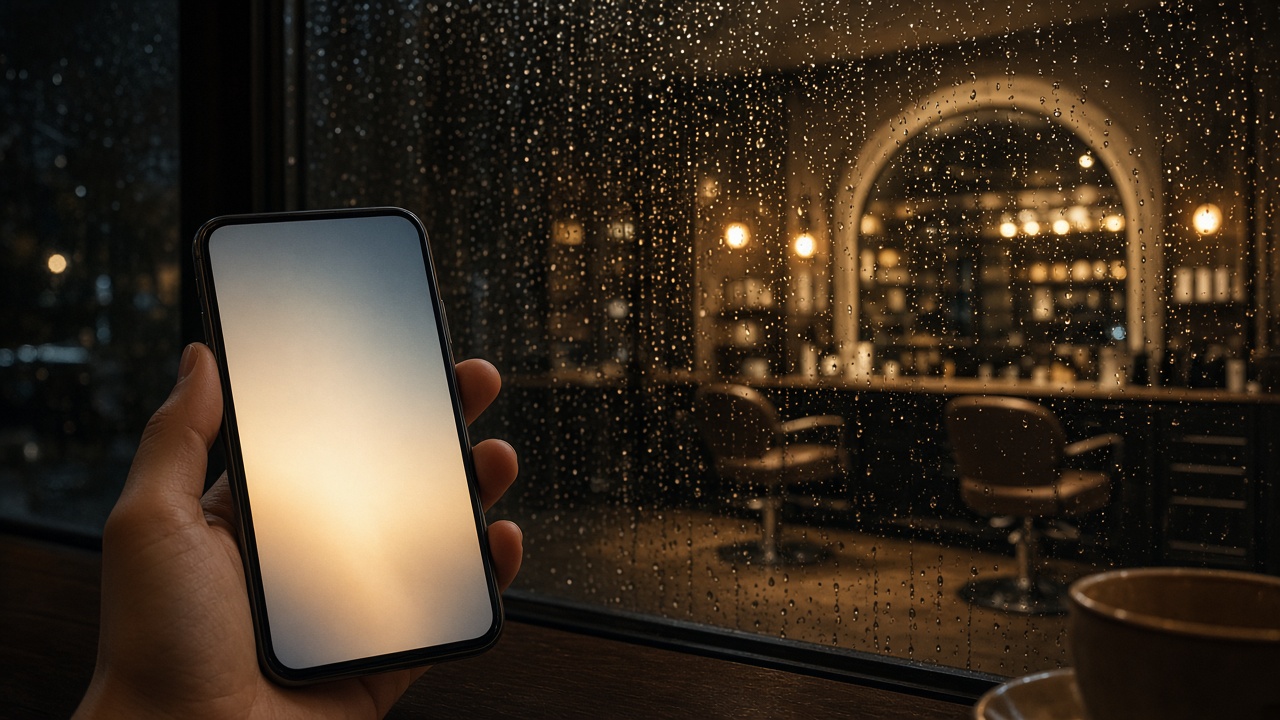
Online booking
Clients pick a service, a time and a stylist on their phone. Open the live booking page to walk the same flow a guest would use.
Step 2
Kiosk check-in
A self-service arrival screen at the door, so the reception desk is not the bottleneck when the lounge fills up.
Step 3
Calendar
Staff, duration and rooms on one board so the day is visible before anyone is at the chair.
Step 4
Client CRM
History, notes and membership sit on the same person, so the next visit starts from what you already know.
Step 5
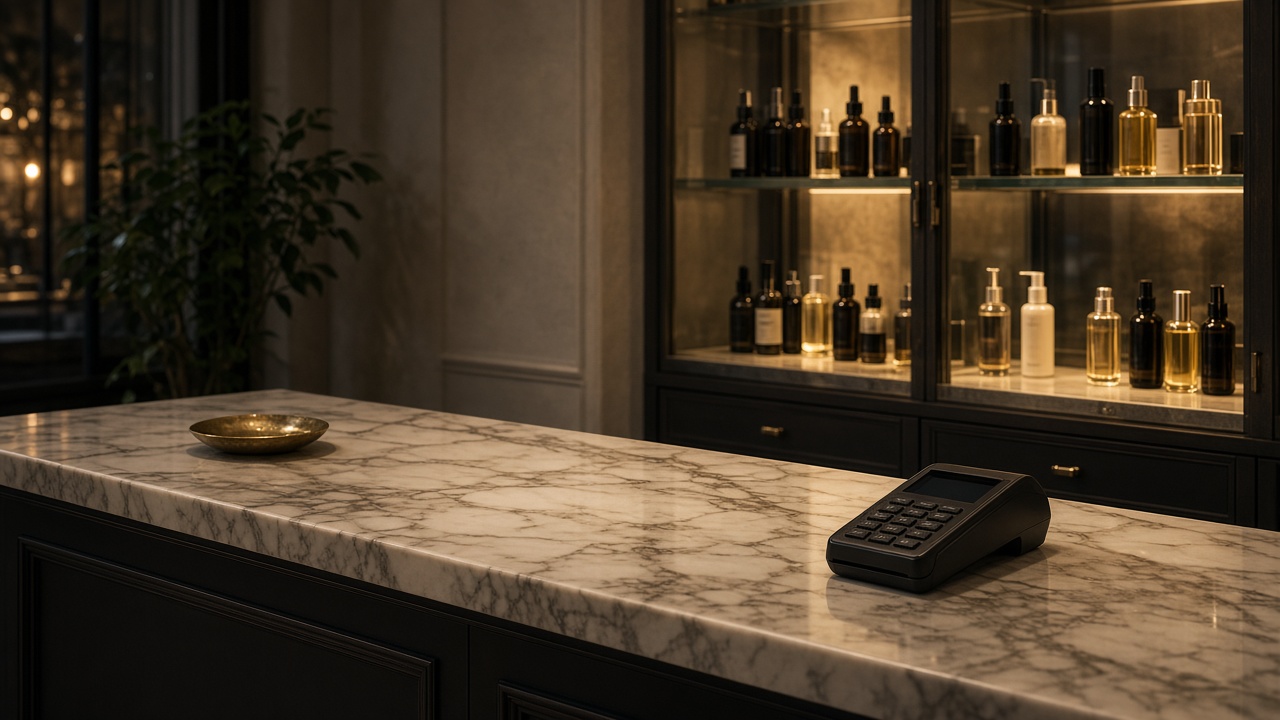
POS
Services and retail close on one ticket at the desk, next to the products on the shelf.
Step 6
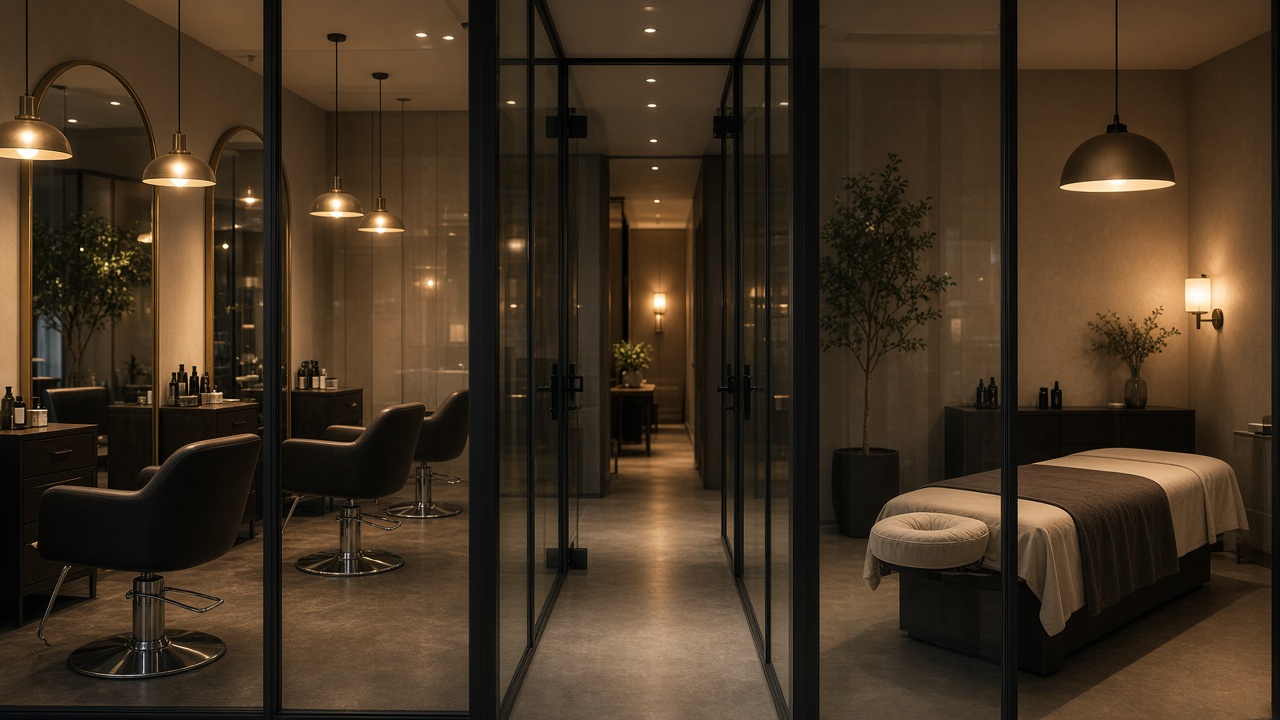
Group view
Each location stays local. Owners can still see the set of rooms, chairs and books together.
Next step
Ready to run the floor from one cloud?
Tell us about your salon, spa or group. We will walk through Beau-T-Cloud around the way you already work.