
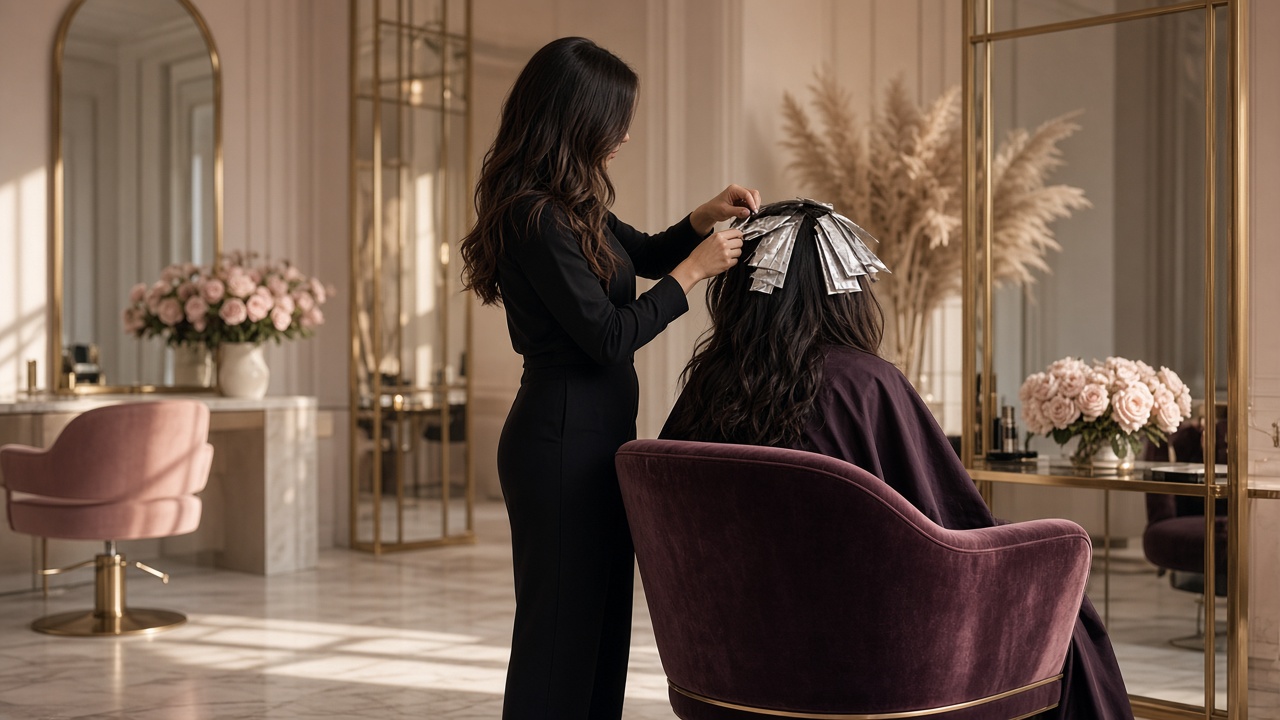
The operating system for modern beauty businesses
Run your beauty business beautifully.
Appointments, clients, staff, POS, inventory, memberships and multiple locations — one connected cloud platform.
See it on the floor
Open a live booking page. Then walk the rest of the day.
The booking and kiosk links open a real salon setup. We do not invent customer counts or fill this page with the same calendar twice.
Business types
Built for every kind of beauty business
Whether you run one studio or a group, Beau-T-Cloud follows the way beauty businesses actually work.




Connected journey
One cloud. Every part of the visit.
Booking, the welcome, the service, payment, rewards and the next visit stay on the same thread.
1
Book
Clients choose a service, professional and time online.
2
Welcome
Front desk and kiosk check-in keep arrivals calm.
3
Serve
Staff see notes, history and the next service in one place.
4
Pay
Services, retail, packages and gift cards close at the desk.
5
Reward
Memberships and loyalty stay attached to the same client.
6
Rebook
Reminders and follow-up help the next visit happen.
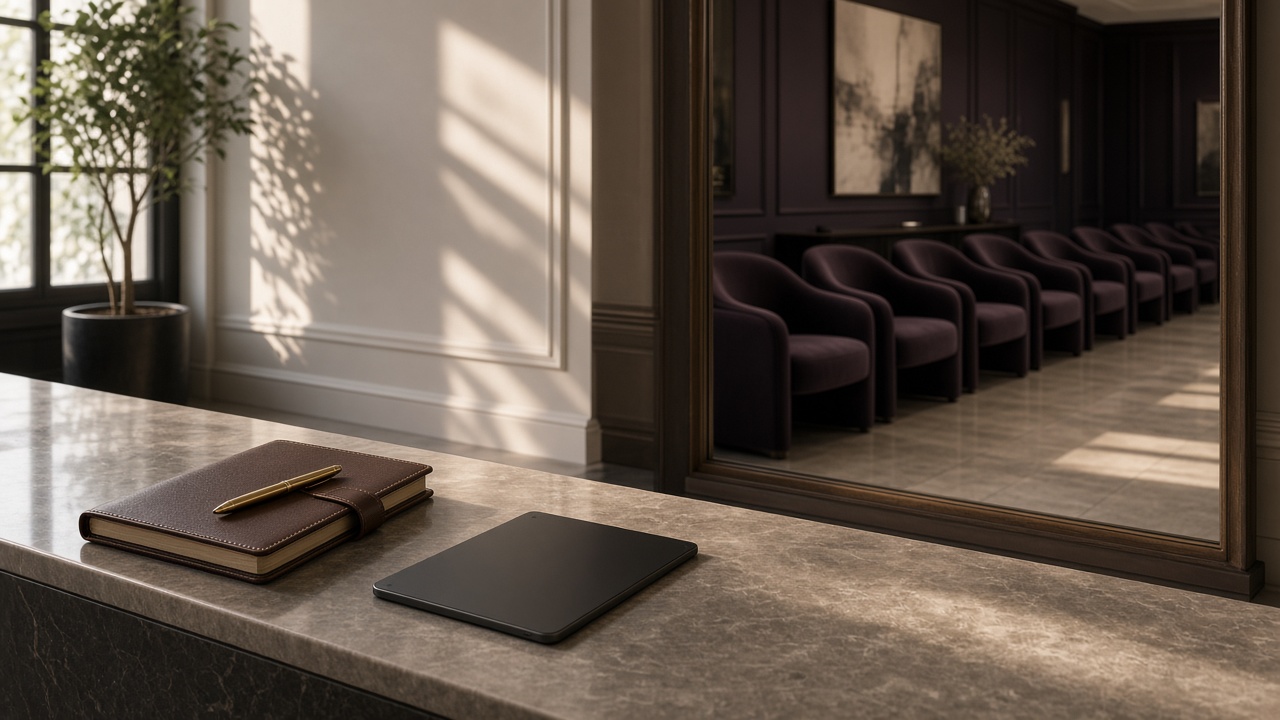
Appointments
A calendar that understands salon work.
Duration, rooms, staff availability and reminders sit in one schedule — not a paper book plus three apps.
- Smart calendar
- Online booking
- Employee availability
- Service duration
- Rooms / resources
- Waiting list
- Rescheduling
- Appointment reminders
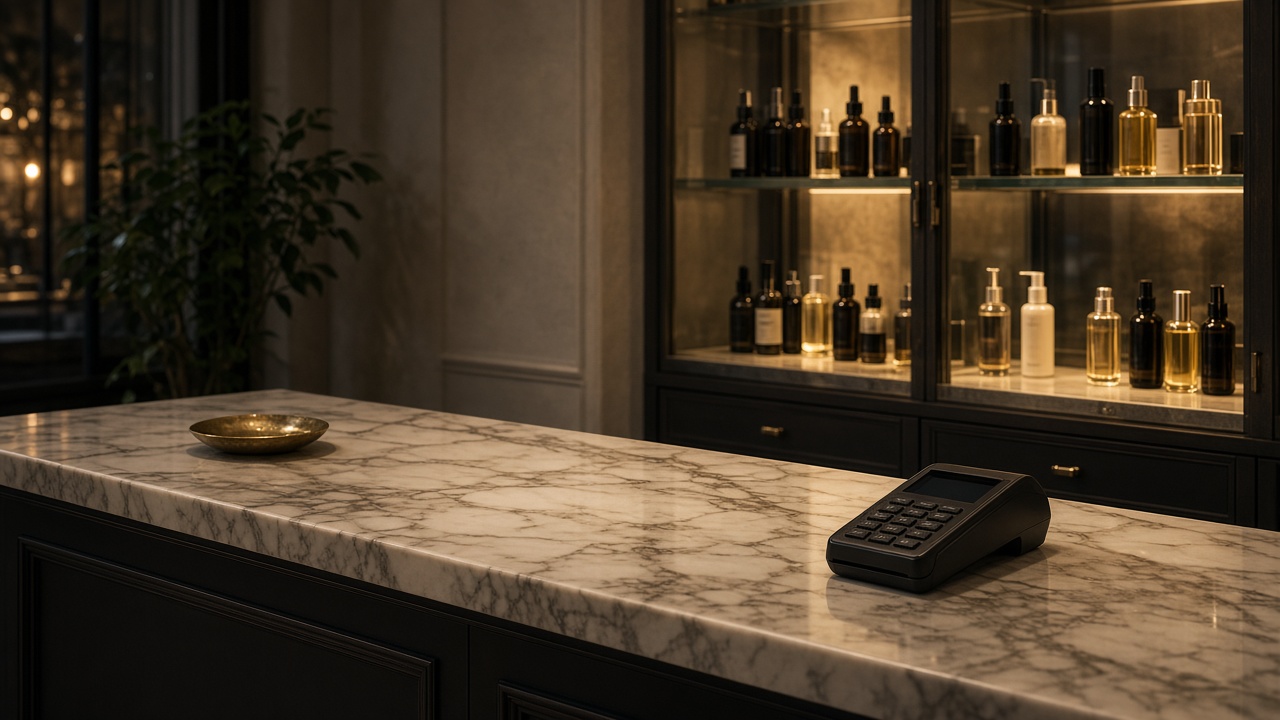
Salon POS
Close the visit without leaving the chair-side flow.
Take payment for services and retail together. Gateway names are connected during implementation — this site does not claim a live processor.
- Services
- Retail products
- Discounts
- Packages
- Memberships
- Gift cards
- Multiple payment methods
- Returns
- Receipts
Client CRM
Every visit remembered, every preference kept.
Profiles, history, packages and notes travel with the client — including across branches when you grow.
- Customer profile
- Visit history
- Service history
- Preferences
- Retail purchase history
- Packages
- Membership
- Loyalty
- Notes
Staff & commission
Rosters, hours and commission in one record.
See who is working, what they sold and how targets look — without a weekend spreadsheet.
- Staff roster
- Attendance
- Working hours
- Service commission
- Retail commission
- Targets
- Performance
- Productivity

Inventory & retail
Retail on the shelf. Colour and care in the back.
Track what you sell and what you use, with branch stock and low-stock alerts.
- Retail inventory
- Professional-use inventory
- Purchasing
- Stock transfers
- Low-stock alerts
- Branch stock
- Stock movement


Also in the platform
Booking, loyalty, groups and the day’s numbers.
Each tile opens a full page. Figures you see later are examples in SAR, not a customer’s results.


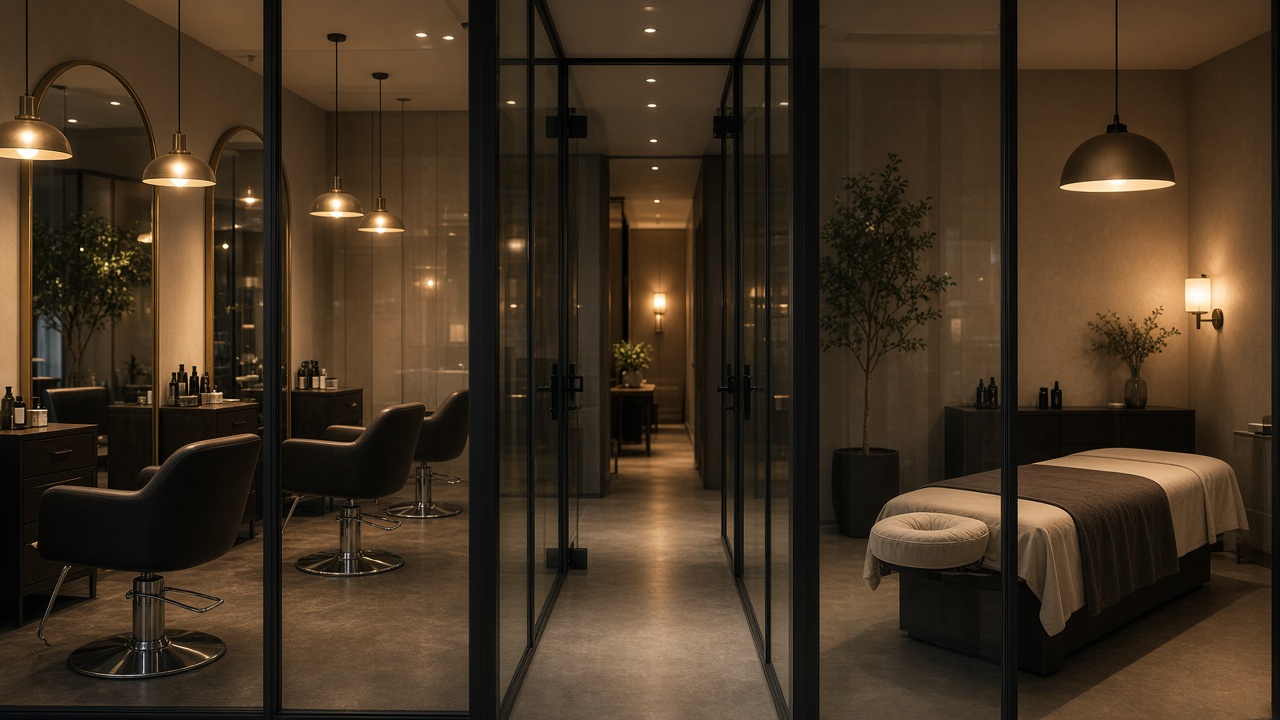
Reports & Analytics
Today’s numbers sit on the same tickets you already run. Examples use SAR.
View feature
Saudi Arabia & GCC
Implemented for beauty businesses in the region.
Arabic is prepared as a language switch. Full Arabic copy follows once English is approved. Integrations are named only when they are part of your project.
Arabic & English
A language switch is ready. Full Arabic copy will follow once the English site is approved.
SAR / GCC currencies
Examples on this site use SAR. Your live company currency is configured in the system.
VAT-ready workflows
Invoicing and tax setup follow your finance configuration — not a marketing promise.
Multi-branch operations
One salon or a group, with location-level control.
WhatsApp readiness
Talk to us on WhatsApp from this website. Product messaging is configured per project.
Local implementation
Printechs implements and supports Beau-T-Cloud for beauty businesses in the region.
Getting started
Three steps. No invented promises.
01
Book a Demo
Tell us about your salon, spa or group. We will walk through the platform with your workflow in mind.
02
Configure Your Business
Services, staff, hours, branches and the way you take payment are set up around how you already work.
03
Start Managing Smarter
Share online booking, run the desk, and see the day from one cloud platform.
FAQ
Questions, answered plainly.
Legal and security claims stay off this page until they are confirmed.
Is Beau-T-Cloud cloud software?
Yes. Beau-T-Cloud is a cloud platform for salon and beauty operations. You access it from a browser; your team does not install a local server to start.
Can I run more than one location?
Yes. Each location can work independently while owners still see the group. See Multi-Location and Multi-Branch Groups.
Can you move our existing appointments and clients?
Data migration is planned during implementation. What we can import depends on the files or system you use today. We will confirm the approach in the demo.
Do you train the team?
Yes. Training is part of implementation. Front desk, managers and owners typically need different walk-throughs.
Who owns the data?
Your business owns its operational data. Access is controlled by the users and roles you assign.
Can I limit what staff can see?
Yes. User access is role-based. Location managers can be limited to their own branch.
Does it work on mobile?
Yes. The public website, online booking and kiosk are designed for phones and tablets. Staff also use the platform from a browser on mobile.
How do we get support?
Contact the Printechs team from this website by demo form, email, phone or WhatsApp. Support hours are confirmed when you start.
Next step
Ready to run the floor from one cloud?
Tell us about your salon, spa or group. We will walk through Beau-T-Cloud around the way you already work.